Popup & Vault
Clicking the Form Recover icon in your browser toolbar opens the main Popup. This is your command center.
Active Tab View
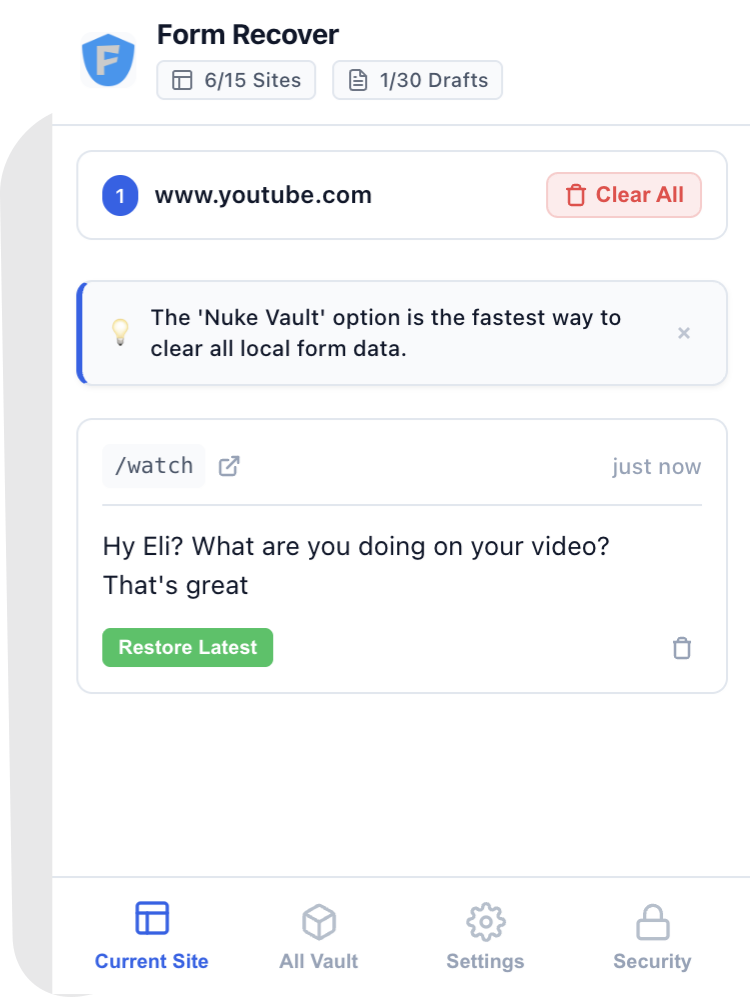
The default view shows data relevant to the website you are currently visiting.
- Status Indicator: Shows if the extension is active on this domain.
- Draft List: See all saved inputs for the current page URL. You can restore or delete them individually.
All Vault View
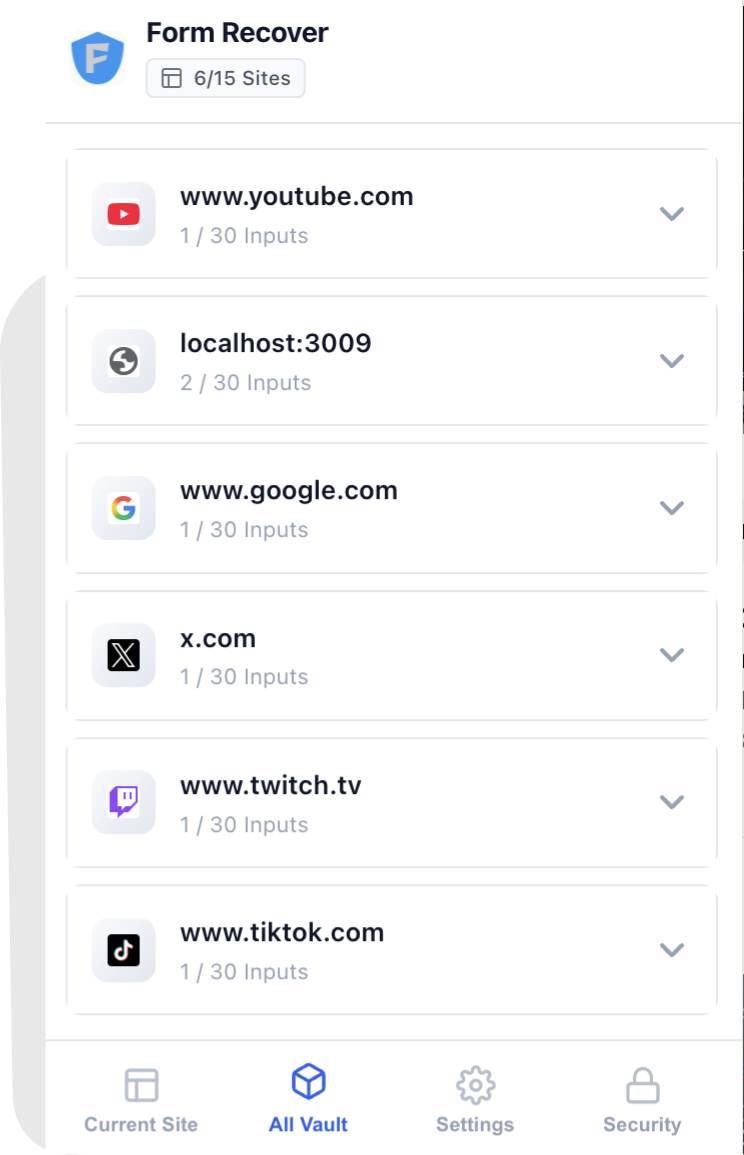
Switch to the All Vault tab to see a global history of every site you’ve visited.
- Organized by Domain: Drafts are grouped by website (e.g.,
github.com,reddit.com). - Accordion UI: Click a domain to expand and manage its saved drafts.
- Search [Coming Soon]: We are working on a global search bar to let you find specific text or websites instantly across your entire history.